Introduction
"Headless commerce" gets thrown around a lot, usually by people trying to sell you something. Let's cut through the noise and talk about what it actually is, in plain terms, so you can decide if it makes sense for your business.
By the end of this post, you'll understand how headless works, what it costs, what it's good for, and most importantly — whether you should even be thinking about it right now.
The Restaurant Analogy
Think of your online store like a restaurant. The backend (where products, orders, and inventory live) is the kitchen. The frontend (what customers see and interact with) is the dining room.
In a regular setup (like a standard Shopify store), the kitchen and dining room are connected and come as a package deal. You get a pre-built dining room with furniture you can rearrange a bit, but you can't tear down walls or build a completely different layout. The menu, the ordering process, and the way food comes out are all pre-determined.
In a headless setup, you keep the same kitchen (it still handles products, inventory, orders, and payments) but you build a completely custom dining room. You design the tables, the ordering system, the ambiance — everything. The two connect through a pass-through window (APIs) that lets orders go from the dining room to the kitchen and food come back out.
You could even have multiple "dining rooms" — a website, a mobile app, an in-store kiosk, a smartwatch ordering system — all connecting to the same kitchen. Same products, same inventory, same order processing. Different customer experiences.
That's headless commerce in a nutshell. Now let's get more specific.
Traditional vs Headless Architecture
In a traditional (monolithic) setup, the platform handles everything — backend logic, data storage, the storefront you see, and the admin panel. Shopify, BigCommerce, and WooCommerce all work this way by default. The frontend and backend are tightly connected. When you click a product link, the server generates the HTML for that product page on the spot and sends it to your browser.
In a headless setup, the backend becomes just a data service. It stores your products, processes orders, and manages inventory — but it doesn't generate any frontend pages. Instead, it provides APIs (Application Programming Interfaces) that let any frontend application request data and send orders.
The frontend is a separate application, usually built with a modern JavaScript framework. It calls the backend's APIs to get product data, display it however you want, and send back orders for processing.
Think of APIs as a menu system. The frontend says "Give me the details for product #4523" and the backend responds with the name, price, description, images, and available variants. The frontend then decides how to display all of that.
How APIs Connect Everything
APIs are the glue that holds headless commerce together. Here's how the data flows:
- Product display: Frontend requests product data from the backend API → Backend responds with product info → Frontend renders it in its own design
- Cart management: Customer adds item to cart → Frontend sends "add to cart" request to backend API → Backend updates the cart and responds with cart contents → Frontend shows updated cart
- Checkout: Customer fills out shipping/payment info → Frontend sends checkout data to backend API → Backend processes the order and payment → Frontend shows confirmation
- Search: Customer types a query → Frontend sends search request → Backend returns matching products → Frontend displays results
Every interaction that involves data (product info, pricing, inventory, customer accounts) goes through the API. Everything visual (how things look, animations, layout, mobile experience) is handled by the frontend.
Popular Headless Stacks
Here are the most common technology combinations for headless commerce in 2026:
Next.js + Shopify Storefront API: This is probably the most popular headless stack right now. Shopify handles the backend (products, orders, payments), and Next.js builds the frontend. The Storefront API provides all the data the frontend needs. This is what we use most often at Apzee Solutions.
Hydrogen + Shopify: Hydrogen is Shopify's own framework for building headless storefronts. It's built on Remix (a React framework) and is specifically designed for Shopify's APIs. If you're all-in on Shopify, Hydrogen is worth considering, though it's less flexible than Next.js for non-eCommerce pages.
Next.js + Medusa: Medusa is an open-source headless commerce backend. It's a good option if you want full control over the backend too, not just the frontend. More work to set up, but no platform fees.
Nuxt.js + Shopify: For teams that prefer Vue.js over React, Nuxt.js is the framework equivalent to Next.js. Same concept, different JavaScript flavor.
Next.js + BigCommerce: BigCommerce has a strong headless offering with good API documentation. It's a solid alternative to Shopify for headless, especially for stores with complex catalog requirements.
Real-World Use Cases
Where does headless actually make a difference?
Multi-channel brands: A brand that sells through their website, a mobile app, an in-store kiosk, and through wholesale partners. All of these connect to the same backend, so inventory and orders stay synced. Updating a product price once reflects everywhere.
Content-heavy brands: Brands where the website is part editorial, part store. Think of a fitness brand with workout content, articles, recipes, AND a product store. The editorial content might come from a CMS like Contentful or Sanity, while products come from Shopify. A headless frontend combines both into one experience.
Highly customized shopping experiences: Stores that need custom product configurators, complex filtering, augmented reality try-on features, or interactive product builders. These are hard or impossible to build within a standard theme framework.
High-performance requirements: Stores where every millisecond matters — flash sale sites, high-traffic product drops, or stores selling impulse-buy products where speed directly affects conversion rates.
Development Workflow Differences
The day-to-day workflow changes significantly with headless:
Traditional workflow: Edit Liquid template files (or your platform's template language) → Preview in theme editor → Push changes → Done. Non-technical team members can make many changes through the platform's visual editor.
Headless workflow: Write React/Vue code → Test locally → Push to Git → Deploy through CI/CD pipeline → Done. This is a proper software development workflow. It's better for developers (modern tools, version control, testing) but worse for non-technical team members who now can't edit the frontend directly.
This workflow difference is one of the biggest practical factors in deciding whether to go headless. If your marketing team needs to update landing pages, change banners, and run promotions without developer help, headless adds friction to their workflow unless you also set up a headless CMS (more on that next).
Content Management in Headless
In a traditional setup, content management is built in. You edit pages, write blog posts, and update banners through the platform's admin. With headless, you need a separate content management solution.
Popular headless CMS options:
- Contentful: Well-established, good API, starts at $0/month (free tier) and goes to $489+/month. Good for teams that need structured content with multiple content types.
- Sanity: Developer-friendly, real-time collaboration, flexible data modeling. Generous free tier. This is what we often pair with Next.js storefronts.
- Strapi: Open-source, self-hosted option. No platform fees, but you manage the infrastructure. Good for teams that want full control.
- Shopify's own CMS: You can still use Shopify's blog and pages through the API. It's limited compared to dedicated CMS options, but it means one less system to manage.
Choosing a CMS is important because it determines how your non-technical team interacts with the headless frontend. A good CMS setup gives marketing and content teams the ability to update pages, write blog posts, and manage promotions through a visual editor — similar to what they had with the traditional setup.
Cost Comparison
Let's get specific about costs:
Traditional Shopify store:
- Custom theme: $5,000-$30,000
- Monthly platform cost: $39-$399/month
- Apps: $100-$500/month
- Ongoing development: $1,000-$3,000/month
- Total first year: $20,000-$65,000
Headless (Next.js + Shopify):
- Frontend build: $30,000-$80,000
- Monthly platform cost: $39-$399/month (Shopify still handles backend)
- Hosting (Vercel/Netlify): $20-$300/month
- Headless CMS: $0-$500/month
- Ongoing development: $3,000-$8,000/month (headless requires more developer attention)
- Total first year: $70,000-$180,000
Headless costs 2-3x more in the first year and has higher ongoing costs. The ROI needs to justify that premium. For a store doing $2M+/year where a 15-20% performance improvement translates to $300k-$400k in additional revenue, it makes sense. For a store doing $200k/year, the math doesn't work.
Performance Benefits with Numbers
Here's where headless really shows its value — speed:
- Page transitions: Traditional stores reload the entire page when you click a link (1-3 seconds). Headless storefronts use client-side transitions that feel instant (100-300ms). The page content changes without a full reload.
- Time to First Byte: Static-generated pages (a headless technique) serve from a CDN and have TTFB of 20-50ms, compared to 200-500ms for server-rendered pages.
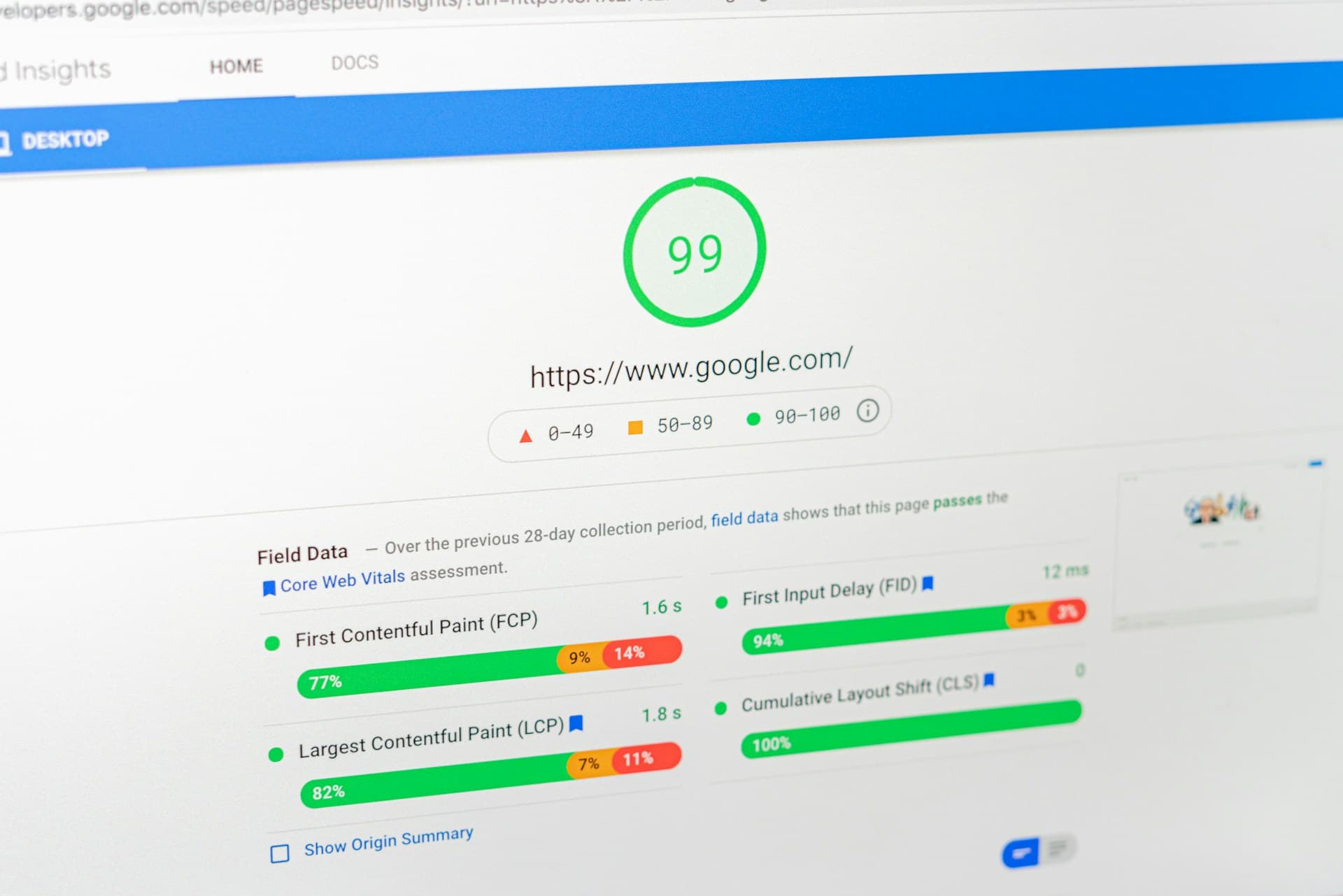
- Lighthouse scores: Our headless builds consistently score 90-100 on PageSpeed Insights. Traditional Shopify stores (even well-optimized ones) typically score 60-85.
- Real-world impact: One of our clients who went from a traditional Shopify theme to a headless Next.js frontend saw their mobile conversion rate go from 1.1% to 1.6%. On 200,000 monthly mobile visitors, that's 1,000 extra orders per month.
For more on web performance and how it affects your bottom line, check out our Core Web Vitals guide.
SEO Considerations
SEO is often raised as a concern with headless. Here's the reality:
Modern frameworks like Next.js handle SEO very well. Server-side rendering (SSR) and static site generation (SSG) ensure that Google sees fully rendered HTML, just like a traditional site. Meta tags, structured data, canonical URLs, sitemaps — all of this works fine with headless.
The concern about JavaScript-rendered content not being indexed is largely outdated. Google renders JavaScript now. But SSR/SSG is still better because it's faster and more reliable.
The SEO risk with headless isn't technical — it's organizational. If you migrate to a headless frontend without properly redirecting old URLs, you'll lose rankings. If you change your URL structure without a redirect plan, you'll lose rankings. These are migration risks, not headless-specific risks. Any platform migration carries the same risks.
The Progressive Approach
You don't have to go fully headless overnight. A progressive approach reduces risk:
Step 1: Start with your existing platform. Get your store profitable and stable on Shopify (or whatever platform you're using). Focus on products, marketing, and customers. Don't overcomplicate the technology.
Step 2: Build a custom theme. When you outgrow the default theme options, invest in a custom Shopify theme. This gets you 80% of the benefits of a better frontend without the headless complexity.
Step 3: Go headless for specific parts. Maybe your product pages are fine on Shopify, but you want a custom landing page experience. Build headless landing pages with Next.js while keeping the rest of the store on Shopify. This is sometimes called "hybrid headless."
Step 4: Full headless (if needed). Once you've validated that headless works for your business and you have the team to support it, move the entire frontend to your custom application.
Most stores should never need to go past Step 2. Steps 3 and 4 are for businesses with specific requirements that justify the additional complexity and cost.
When It's Overkill
Headless commerce is overkill for:
- Stores doing under $1M/year in revenue (the cost doesn't justify the benefit)
- Small teams without dedicated developers (you need ongoing development capacity)
- Simple product lines where the standard Shopify experience works fine
- Businesses that prioritize speed-to-market over custom experiences (headless takes longer to build)
- Anyone who just thinks it sounds impressive — that's not a business reason
If you're not sure whether headless makes sense for your business, it probably doesn't. The businesses that genuinely need it usually know exactly why — they've hit specific walls with their current platform that can only be solved with full frontend control.
Conclusion
Headless commerce is a real and powerful approach for the right business. But it's not for everyone, and it's not always worth the premium. The best approach is to start simple, grow into complexity only when your business needs it, and always make technology decisions based on clear business requirements — not trends or hype.
If your current store is working and growing, don't feel pressured to go headless. Focus on what moves the needle for your business. And if you do eventually decide headless is right for you, get in touch — we've built headless storefronts for multiple clients and can help you decide if it's the right fit.
A note from the author
Javaid Naik
Lead Developer
Full-stack developer and founder of Apzee Solutions. 8+ years building eCommerce stores and web apps.