Introduction
Every year, business owners ask us: "Should I redesign my website?" Sometimes the answer is yes. But more often, what they actually need is a series of targeted updates — not a ground-up rebuild. A full redesign is expensive, time-consuming, and risky if done for the wrong reasons.
This post will help you figure out which camp you're in. We'll cover the real signs that a redesign is needed, the situations where it's not, what the process looks like if you do go for it, and how much it costs.
Signs You Need a Redesign
Here are the situations where a full redesign genuinely makes sense. Each one includes specific benchmarks so you're working with numbers, not feelings.
Your site is more than 5 years old. Web design standards change. A site from 2020 looks noticeably dated in 2026. Rounded corners, flat design, thin fonts, and tiny text that seemed modern in 2020 feel old now. If visitors feel like they've stepped back in time, it hurts trust — especially for eCommerce. First impressions matter, and your website is often the first impression.
Your mobile experience is poor. Over 60% of web traffic is on mobile devices. If your site isn't mobile-friendly or feels clunky on phones — tiny tap targets, text you have to pinch-zoom to read, horizontal scrolling, slow load times — you're losing more than half your potential customers. Check your Google Analytics: if mobile bounce rate is 15%+ higher than desktop, your mobile experience needs work.
Your bounce rate is over 60%. Bounce rate is the percentage of visitors who leave without interacting with your site. Industry averages vary, but if yours is consistently above 60%, there's likely a fundamental problem with how your site communicates value. Either visitors don't understand what you do within seconds, or the design doesn't build enough trust for them to explore further.
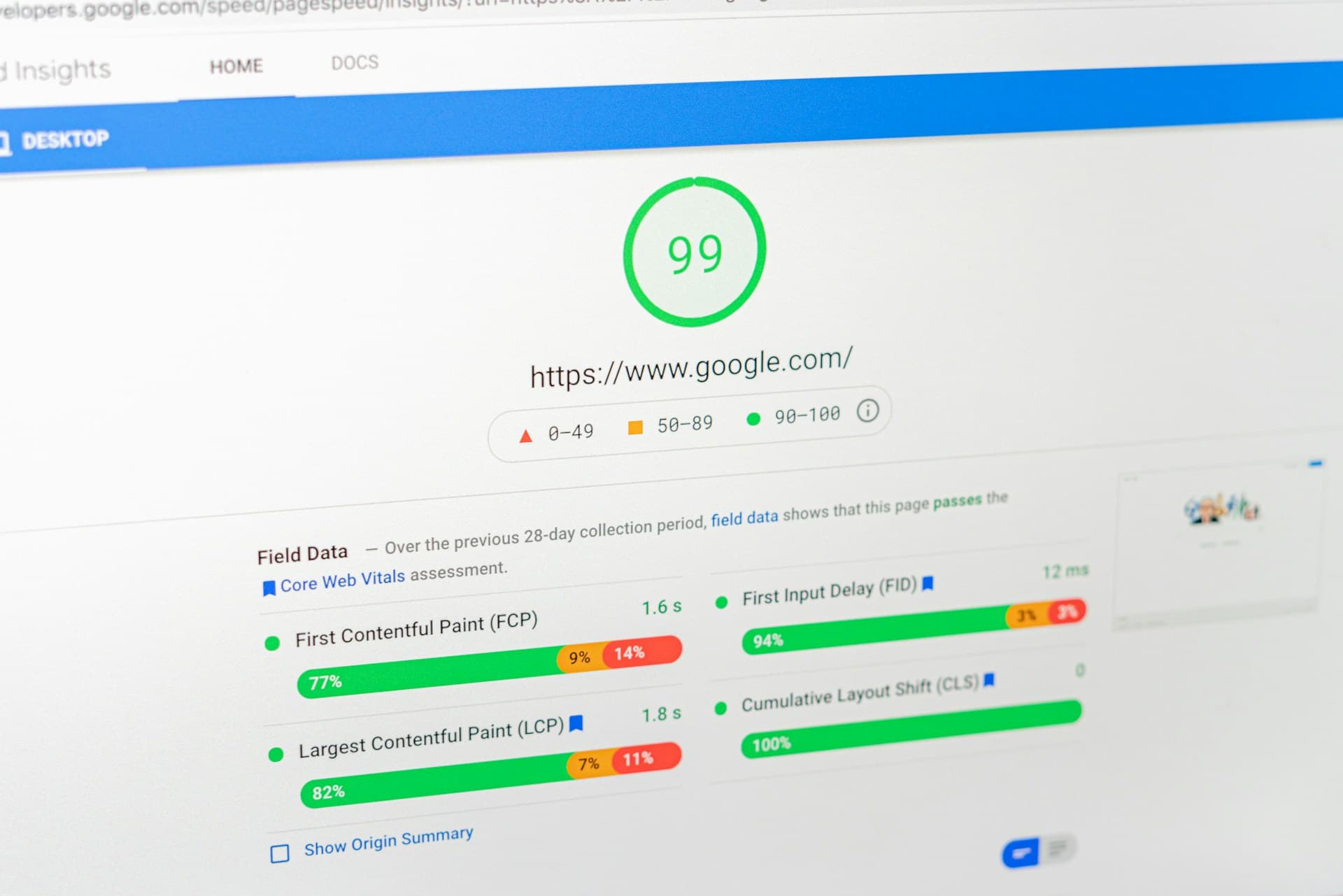
Your site is painfully slow. If your pages take more than 3 seconds to load on mobile, you're losing visitors. Google data shows that 53% of mobile users leave a site that takes longer than 3 seconds to load. Check your speed at PageSpeed Insights — if your mobile score is below 50, there's a serious problem. Sometimes speed can be fixed without a full redesign (see our Core Web Vitals guide), but if the problem is baked into the site's architecture, a rebuild might be needed.
Your business has changed significantly. If you've added new services, changed your target audience, repositioned your brand, or merged with another company, your old site probably doesn't tell the right story anymore. A website built to sell one thing to one audience won't effectively sell different things to a different audience.
You can't update content easily. If making simple text changes requires a developer, something is wrong. Modern websites should let non-technical team members update content, add pages, and make basic changes through a CMS. If you're paying a developer $100/hour to change a phone number, it's time for a rebuild with a proper content management system.
You're embarrassed to share the URL. This sounds subjective, but it matters. If you avoid giving out your website because you know it doesn't represent your business well, that's a real business problem. Your website is working against you instead of for you. For more on how your brand should show up online, check out our post on branding mistakes small businesses make.
Signs You Don't
These are the situations where businesses want a redesign but don't actually need one:
You're just bored with it. You see your website every day. Of course you're tired of it. But your customers aren't — most of them see it once or twice. If it's performing well and customers aren't complaining, being bored isn't a good enough reason to spend $10k-$50k. That money is almost always better spent on marketing or product development.
A competitor redesigned theirs. A competitor launching a new site is not a reason to redesign yours. Check your own metrics first. If your site is converting well, ranking well, and getting positive customer feedback, leave it alone. Their redesign might actually hurt their performance — it happens more often than you'd think.
You want to "modernize" but metrics are fine. If your conversion rate is healthy, your bounce rate is normal, and customers find what they need without complaining, you don't need a redesign. You might want one, but you don't need one. Want and need are very different when thousands of dollars are involved.
You think a new site will fix a sales problem. Most sales problems aren't website problems. They're traffic problems, product problems, or pricing problems. A beautiful new website won't fix bad product-market fit. Before redesigning, make sure the problem is actually the website. Check your analytics: if people visit but don't buy, the website might be the issue. If people aren't visiting at all, the problem is marketing, not design.
A new team member wants to make their mark. New marketing directors and CMOs often want to redesign the website as one of their first moves. It's visible, it feels productive, and it puts their stamp on things. But it's often not the highest-impact use of budget and time in their first year.
The Middle Ground: Iterative Updates
Here's what a lot of businesses actually need: targeted updates instead of a full rebuild. This approach fixes what's broken without throwing away what's working.
Homepage refresh: Update the messaging, swap in new photos, improve the layout. A homepage refresh costs $2,000-$5,000 and takes 1-2 weeks. It can make the site feel current without rebuilding everything.
Mobile optimization: Sometimes you can make the existing site work well on mobile without starting from scratch. Fixing tap targets, font sizes, layout issues, and load times on mobile can cost $1,500-$4,000.
Speed optimization: Compress images, clean up code, remove unused plugins, optimize server configuration. This often gives you 80% of the benefit of a redesign at 20% of the cost. Budget $1,000-$3,000. See our detailed guide on fixing slow store performance.
Add new pages: Need a services page, a better about page, landing pages for campaigns? You can add those to your existing site. $500-$2,000 per page depending on complexity.
Conversion optimization: A/B test different headlines, CTAs, layouts, and checkout flows. This can improve performance significantly without changing the overall design. Read our jewelry store case study for a real example of this approach in action.
The iterative approach costs $2,000-$10,000 total (vs $15,000-$50,000 for a full redesign) and can be done in weeks instead of months. Start here unless you have a clear reason to do a full rebuild.
Planning a Redesign: Goals First
If you've decided a full redesign is the right call, the most important step is defining your goals BEFORE you think about design. "Make it look better" is not a goal. Here are examples of real goals:
- Increase conversion rate from 1.5% to 2.5%
- Reduce bounce rate from 70% to 50%
- Make it possible for the marketing team to update content without developer help
- Improve mobile experience to match desktop conversion rates
- Reduce page load time to under 2 seconds
- Add support for new services/products that don't fit the current site structure
Every design decision during the project should tie back to one of these goals. If someone says "Let's add a parallax scrolling effect," the response should be "How does that help us reach our conversion rate goal?" If it doesn't, skip it.
Write your goals down and share them with your design/development team. Refer back to them at every major decision point. This prevents scope creep and keeps the project focused on outcomes instead of aesthetics.
The Redesign Process Step by Step
Here's what a professional website redesign looks like from start to finish:
Phase 1: Audit and Strategy (1-2 weeks)
- Review current site analytics (traffic, bounce rate, conversion, user flow)
- Identify what's working (don't fix what isn't broken)
- User research or feedback review (what do customers say about the current site?)
- Competitor analysis (what do similar sites do well?)
- Define goals, success metrics, and requirements
- Create sitemap (what pages does the new site need?)
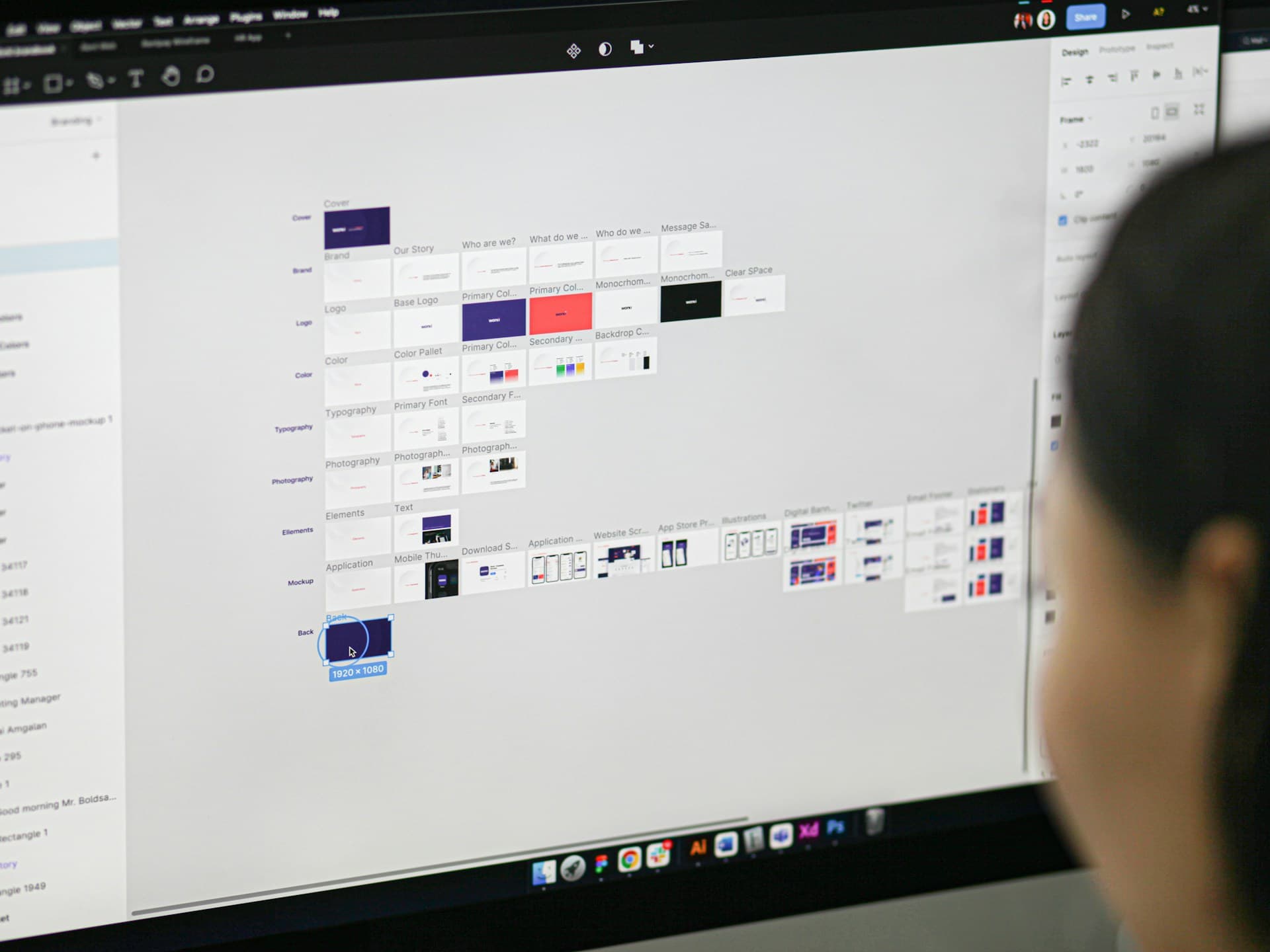
Phase 2: Wireframes and Content (2-3 weeks)
- Create wireframes for every key page (homepage, product/service pages, about, contact)
- Write or revise all page copy (don't design first and fill in text later — the words should drive the layout)
- Plan content migration (what's moving from the old site, what's new, what's being cut)
- Get stakeholder approval on wireframes before moving to design
Phase 3: Visual Design (2-3 weeks)
- Design 2-3 key pages first (usually homepage plus one interior page) for direction approval
- Once direction is approved, design remaining pages
- Design for mobile and desktop (not just desktop with a responsive afterthought)
- Micro-interactions and hover states
Phase 4: Development (3-6 weeks)
- Build the site on a staging environment
- Set up CMS for content management
- Implement analytics tracking
- Cross-browser and cross-device testing
- Performance optimization
- Accessibility review
Phase 5: Launch (1 week)
- Set up 301 redirects for all old URLs (critical for SEO)
- Final QA on the live environment
- DNS and hosting cutover
- Post-launch monitoring for errors and performance
- Submit new sitemap to Google Search Console
Cost Breakdown by Complexity
Here's what to expect for different levels of website redesign:
Simple business site (5-10 pages): $5,000-$15,000
- Custom design based on a template or framework
- Responsive layout
- Basic CMS for content updates
- Contact form, about page, services page
- Basic SEO setup
- Timeline: 4-6 weeks
Medium business site (10-30 pages): $15,000-$50,000
- Fully custom design
- Advanced CMS with custom content types
- Blog with categories and search
- Integrations (CRM, email marketing, booking system)
- Custom forms and interactive elements
- Timeline: 8-14 weeks
eCommerce store: $10,000-$40,000
- Custom Shopify theme or similar platform customization
- Product page optimization
- Checkout flow optimization
- App integration and configuration
- Data migration (products, customers, orders)
- Timeline: 6-12 weeks
Complex web application: $50,000+
- Custom functionality (user portals, dashboards, APIs)
- Complex integrations with existing systems
- User authentication and permissions
- Custom database architecture
- Timeline: 12-24+ weeks
Be cautious of anyone quoting significantly below these ranges — you usually get what you pay for. Also be cautious of quotes way above without clear explanation. Ask for a detailed breakdown of what's included.
How to Find the Right Agency
Choosing the right team for your redesign is as important as the redesign itself. Here's what to look for:
- Portfolio relevant to your industry. An agency that's done great work for restaurants might not understand eCommerce. Look for examples similar to what you need.
- They ask about your goals before showing designs. A good agency starts with questions about your business, not with pretty mockups. If they jump to design without understanding your goals, that's a red flag.
- Clear process and timeline. They should be able to explain exactly what happens at each phase and give you realistic timelines. Vague answers like "it depends" for everything suggest they're winging it.
- They talk about maintenance and support. What happens after launch? Who fixes bugs? Who handles updates? A good agency plans for the long term, not just the handoff.
- References you can actually call. Ask for 2-3 recent client references and actually call them. Ask about communication, deadlines, hidden costs, and post-launch support.
- Honest about what you don't need. The best agencies will tell you when a full redesign is overkill and suggest a less expensive alternative. If they always recommend the biggest possible project, be skeptical.
If you're considering working with us, reach out for a free consultation. We'll give you an honest assessment of whether you need a redesign and what it would involve.
Common Redesign Mistakes
These are the mistakes we see most often in website redesign projects:
- Not redirecting old URLs. When your new site has different URLs than your old site (and it almost always will), every old URL needs a 301 redirect to the corresponding new URL. Skip this and you lose all your Google rankings overnight. We've seen businesses lose 50-70% of their organic traffic because nobody set up redirects.
- Ignoring SEO during the redesign. Related to the above — your old site has built up SEO value over time. Title tags, meta descriptions, content, backlinks. Make sure the new site preserves and improves on this, not resets it. Work with an SEO person during the redesign, not after.
- Scope creep. "While we're at it, let's also add..." is a phrase that doubles project timelines and budgets. Define scope at the start and stick to it. Put new ideas on a "Phase 2" list instead of adding them to the current project.
- Design by committee. When everyone in the company has an opinion on the website and every opinion gets equal weight, you end up with a compromise that makes nobody happy. Designate one or two decision-makers and let them make the calls.
- Not testing before launch. Test the new site on real devices, with real content, going through real user flows. Don't launch on a Friday. Don't launch during a busy sales period. Have a rollback plan in case something goes wrong.
- Forgetting about content. "We'll write the content later" is a project killer. Content should be written during the wireframe phase, not after development is done. Designing pages without real content leads to designs that don't actually work when real text and images go in.
Timeline Expectations
How long should a redesign take? Here are realistic timelines:
- Simple business site: 4-6 weeks
- Medium business site: 8-14 weeks
- eCommerce store: 6-12 weeks
- Complex web application: 12-24 weeks
These assume the client provides feedback and approvals on time. The #1 cause of delayed web projects is slow client feedback — the agency delivers wireframes, and the client takes 3 weeks to review them. Build review time into your schedule. When the agency delivers something for review, commit to responding within 3-5 business days.
Also factor in content creation time. If you need new photography, new copy, or new video, that work happens in parallel with design and development. Don't let content become the bottleneck.
And a note on rush timelines: yes, projects can be done faster, but rushing usually means cutting corners on testing, accessibility, or optimization. If you need a fast turnaround, be clear about it upfront so the team can plan accordingly — and be prepared to pay a premium for the acceleration.
Conclusion
Before you decide to redesign, answer two questions: What specific problems am I trying to solve? And can I solve them without a full rebuild? If the answer to the second question is yes, start there. Save the full redesign for when you genuinely need it, and spend the saved budget on marketing or product development instead.
If a redesign is truly the right move, plan it carefully: set clear goals, choose the right partner, and make content a priority from day one. The best redesigns are the ones driven by data and business needs, not by boredom or trends. If you want help figuring out which approach is right for your situation, explore our services or start a conversation with us.
A note from the author
Javaid Naik
Lead Developer
Full-stack developer and founder of Apzee Solutions. 8+ years building eCommerce stores and web apps.